Most creators don’t burn out because they lack ideas. They burn out because they keep fixing the same problems-late, repeatedly, and under pressure. Missed shots. Awkward pacing. Endless reshoots. Editing sessions that feel like damage control instead of creativity.
What if you could avoid most of that well before hitting record?
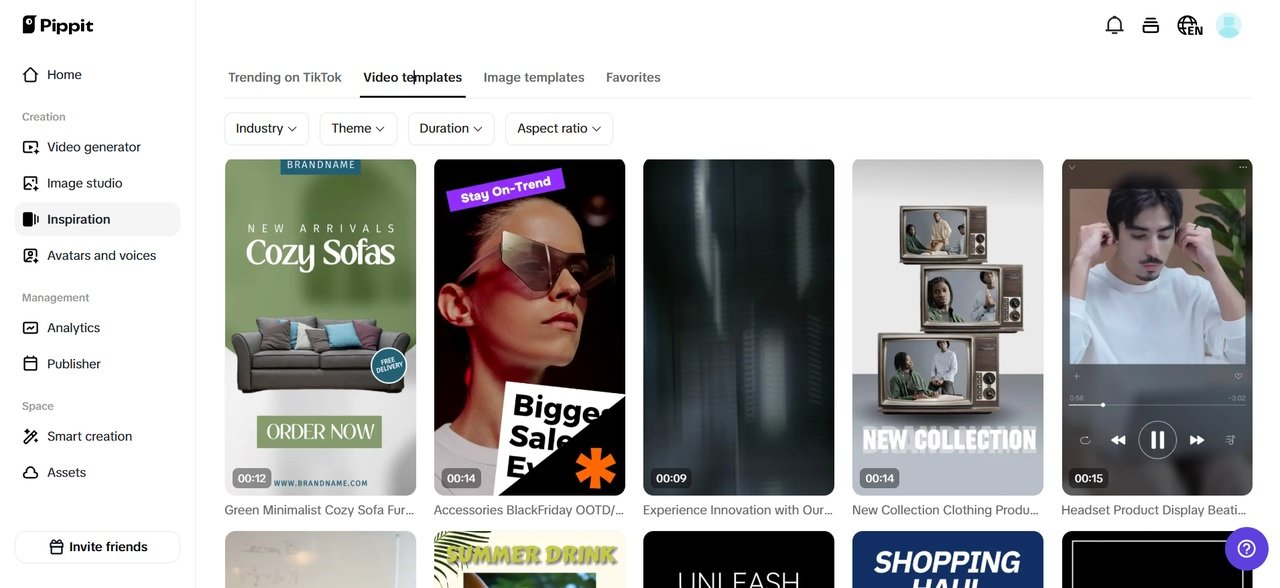
That’s exactly why more creators are starting their process with pre-visualization tools like Pippit and its AI storyboard generator. Thinking like an editor before filming, creators reduce mistakes, accelerate post-production, and protect their creative energy.
This is not about overplanning; this is about planning smart.
The editors see problems early, storyboards let you do the same
That would make an editor uniquely suited to knowing intuitively when something won’t cut together properly. Traditionally, that instinct comes after filming-when changes are expensive to make.
Storyboarding pushes that editorial frame of mind upstream.
When viewing the video as a series of still images, editorial questions naturally arise:
- Will there be a smooth transition into the next moment?
- Am I covered for this transition?
- Is this section too long or too empty?
- Where will the energy go?
They do not slow you down. They save you later on.
Why reshoots aren’t a filming problem – they’re actually a planning problem
Sometimes, reshoots are blamed on luck or changes that have been made at the last minute. The truth is that most reshoots take place when there wasn’t clarity on what was being envisioned.
Common causes include:
- Connective Shot Missing
- Too-long takes that don’t cut well
- Repeating Information
- Forgetting the ending of a section
- Realizing the hook isn’t strong enough
Storyboards reveal such problems early on—when correcting them is as easy as re-editing the frames as opposed to rescheduling a shooting session.
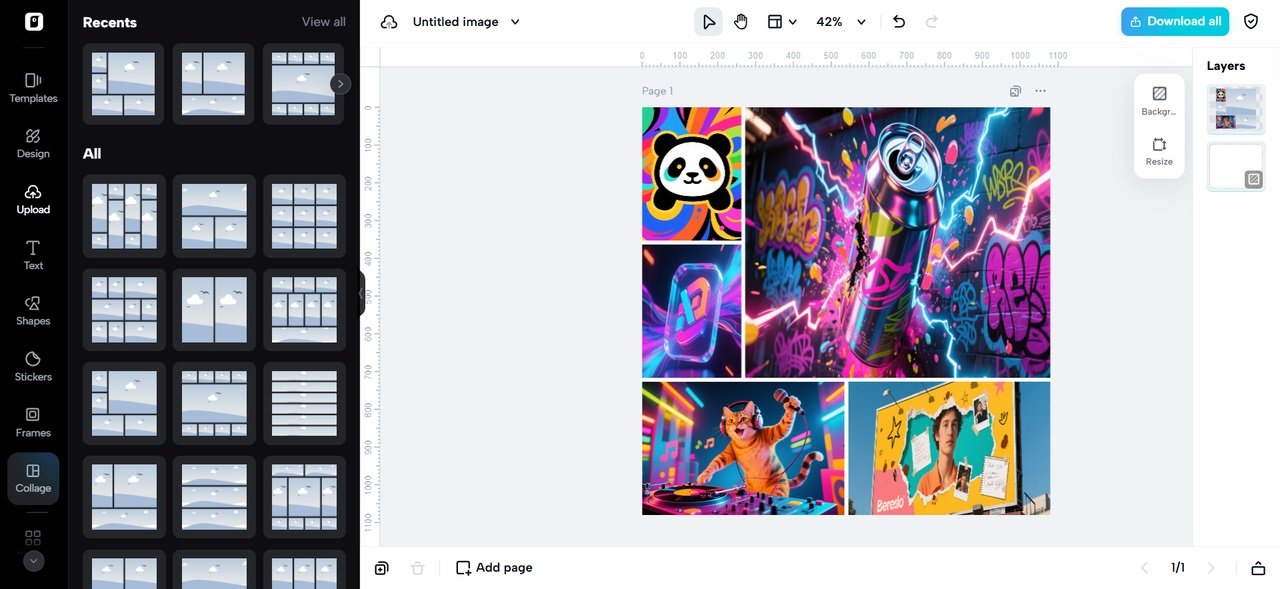
Pre-visualization lessens decision fatigue
Sometimes, burnout in creatives has little to do with workload. It’s all about constantly having to make decisions while under stress
When shooting without a visual concept in mind, every second becomes a consideration:
- Should I try another angle?
- Perhaps we could use one more take?
- Will this work in the edit?
Storyboarding moves these types of decisions into a more peaceful stage—you’re not tired, in a hurry, or on location. This alone can be an enormous boost for creative endurance.
Filmmaking with confidence is a game-changer
It becomes easier to shoot if you know what you are trying to capture. Creators who storyboard report that:
- Lower shoot times
- Less “Just in Case” Statements
- Well-defined beginning and ending points
- Improved communication with colleagues
- More space to experiment deliberately
You’re no longer guessing. You’re executing a plan.
Editing becomes assembly, not rescue
One of the largest advantages occurs during the post-production phase.
Instead, editors find themselves staring at a timeline, wondering how they can use footage, while editors work directly from assembly. It is all put together. The pacing is known. The story is intact.
At this point, burnout becomes effortlessly invisible—because it’s no longer problem-solving to edit but refinement.
Storyboards assist in regards to locking in the “energy” in your
Every video with a message has an ‘energy curve’. It goes up and down and resolves. Left to happen by itself, the ‘energy curve’ ends up being a flattened line
Storyboards allow you to identify where the power is and where the power declines. You can change:
- Scene length
- Information density
- Emotion beats
This knowledge prevents that dreaded “this is boring, and I do not know why” feeling in the edit.
Visual clarity prevents over-editing
When video footage is not designed, video editors will attempt to fill that void with too many effects, too much text, and/or transitions. That’s not creativity, that
Pre-visualization keeps the impulse to over-edit at bay because the story is already working. The visuals feel deliberate, not cluttered.
In many instances, artists will simplify their assets further before that by making use of tools such as a transparent background maker to remove unnecessary elements of the composition to keep the storyboard from being all about decoration.
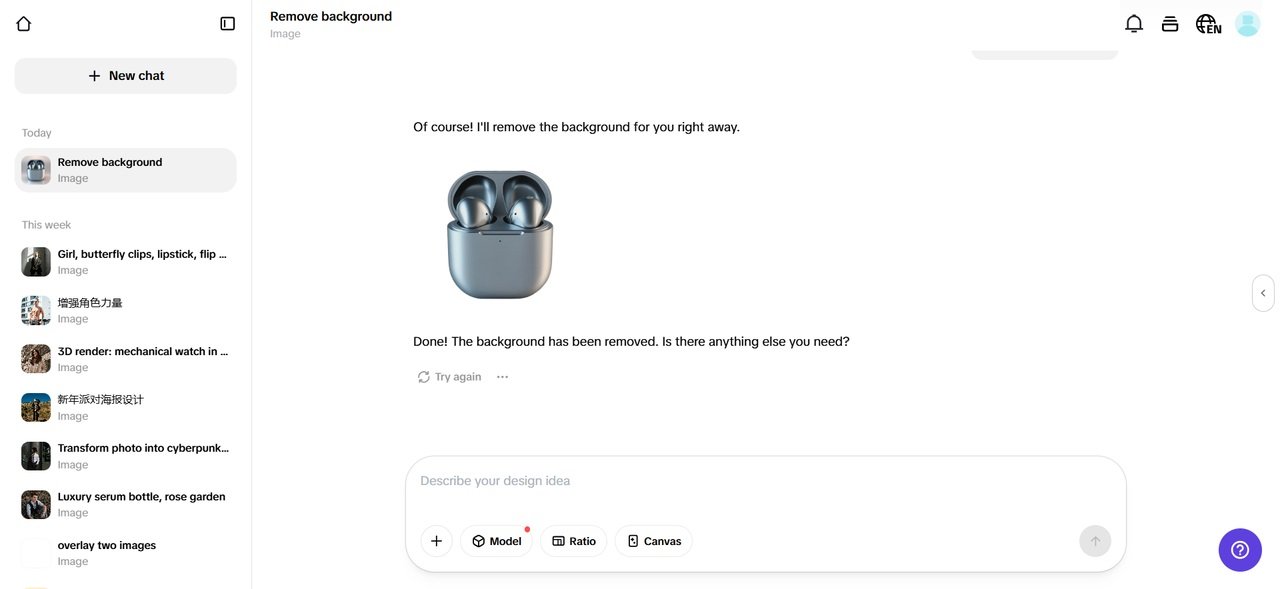
Fewer fixes mean more creative space
Burnout prospers when you are stuck in “fix mode.” Storyboards will keep you in “create mode.”
Rather than responding to challenges, you get to shape outcomes. Rather than hurrying the editing process, you get to polish concepts. This change of dynamics is very significant for people who are working on their creative projects.
Creators often find that they feel prouder of what they’ve produced when they storyboard first, since the final product has a better chance of meeting the initial vision.
storyboards help identify what doesn’t belong in a pattern by allowing you
Another editor’s gut instinct is knowing what to delete
Storyboards also make it simpler to weed out nonessential scenes earlier. A noncontributing image in a frame is easily identifiable. This is much simpler than cutting scenes that have been emotionally invested in due to filming.
In fact, some artists will even use the planning stage to remove text from video clips that are in the reference footage, such as the text in the preview videos, in order to optimize for time rather than detail.
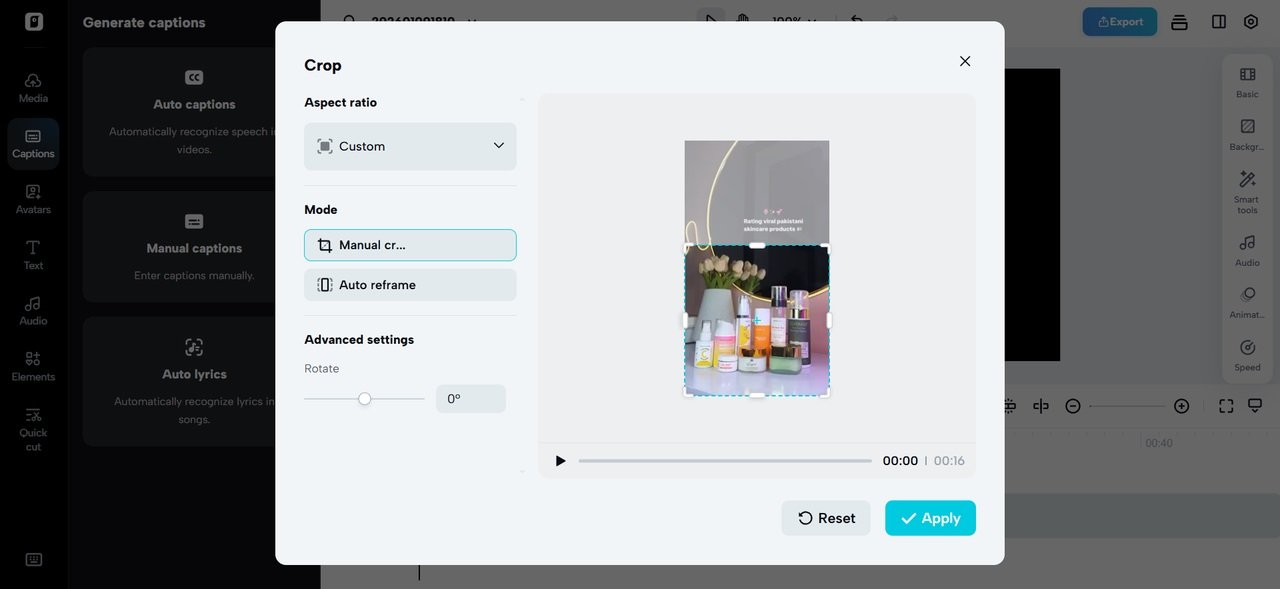
A healthier creative process is a sustainable process
Creativity isn’t just about output—it’s about endurance. Storyboarding supports long-term creativity by reducing:
- Frustration during editing
- Repetitive resh
- Last-minute panic
- Decision overload
- Decision
Emotional fatigue It creates order out of disorder.
Why this mindset works for solo creators and teams alike
Whether it’s a solo video production business or a full-scale team involved, the editor’s mindset before the shoot blows up scales.
It eliminates guesswork for solo creators.
For Teams, It:
- Aligns everyone visually.
- Trust is increased for clients.
- It saves time for the editors.
It’s better for everyone that the story is understood well early on.
Pippit assists in thinking visually, not technically
This is where Pippit has a natural fit in the process. It is meant to aid in helping creators see ideas fast – without planning, becoming another tiresome endeavor. You are not constrained by strict templates.
You can experiment, reconfigure, and optimize your ideas for visualization in whatever way feels good. And this is what makes storyboarding an enjoyable process rather than a stressful exercise.
The real productivity hack is fewer fixes
The greatest time saver isn’t faster cutdown editing or new effects. There are fewer errors.
To think like an editor before filming is to think in terms of intention, not in terms of being perfect. And the quickest path to confident filming and calm editing is through intention. So, if you want to move away from reshoots and burnout, you should give planning your visuals a try.
Check out Pippit to make your videos work together as intended—from the opening shot to the end!